

Return to your sound work
Continue a Sound Lab draft, change a clip's sound and collect an interrupted take.
Continue in Sound Lab
Open Sound Lab from Create. Once you type or change a choice, your words and settings save for the current workspace. Leave and open Sound Lab again to continue. Opening it without changing anything does not save an empty draft.
Your selected voice, version, delivery settings, effects and music choices come back with the draft. Other workspaces keep their own choices.
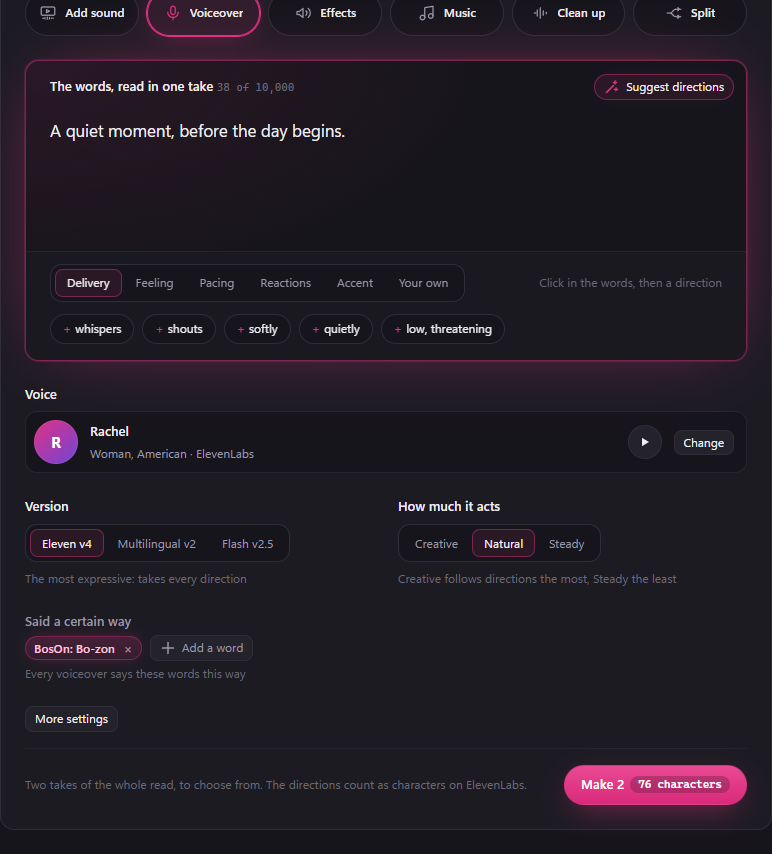
Check the price before making sound
Choose your words and maker, then wait for the price beside the make button. If BosOn cannot check it, use Check price. You cannot make sound until the current choices have a usable price or estimate. Changing the words, settings or maker means the price must be checked again.
Make 2 still makes two takes to compare. Its displayed estimate covers both. The units depend on the service you chose; an ElevenLabs character allowance is different from a service charging in dollars or credits.
Return to Add sound
Open your clip
Choose Add sound for a clip. It opens your saved work without asking a writing service to analyse it. To get a suggestion, click Watch it, or Watch again after an earlier suggestion, and confirm. The connected writing service's normal allowance or charges apply.
Change the sound
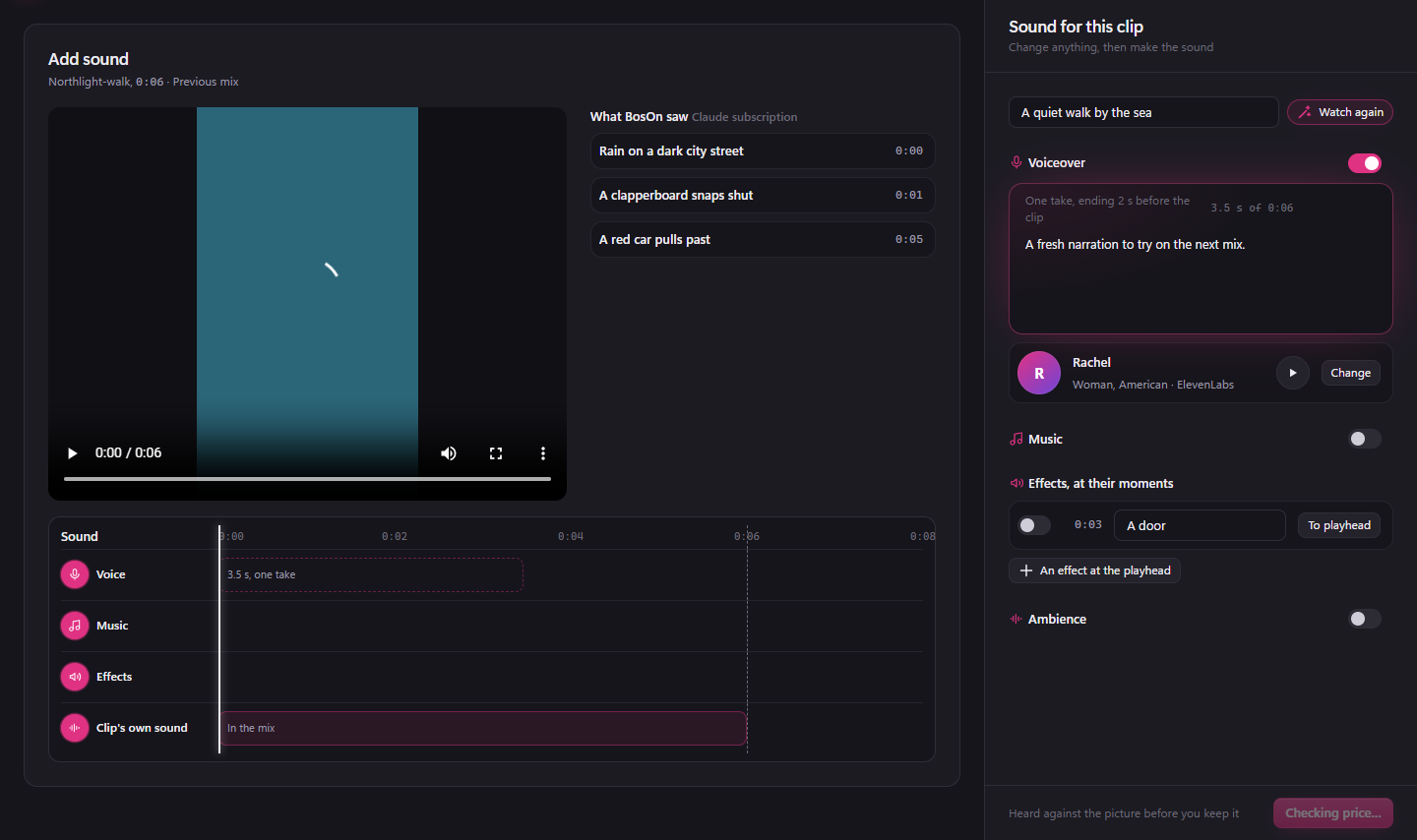
Edit the narration, voice, instructions, music or effects. The switches, effect positions and track choices save with your draft. You can leave and reopen the clip, including after restarting BosOn.
Hear the previous mix
If you already made a mix, it remains playable while you edit the next one. Previous mix means the preview plays that earlier sound; your new words have not been made yet. Check the new price before making the revised sound.
When a save fails
If your workspace cannot save, BosOn tells you when the current edits are kept on this computer. You can leave and reopen in the same browser to recover them. They are not available on another computer until the workspace save succeeds. If neither save works, copy the words before leaving.
If another window has saved different changes, BosOn opens the newer workspace draft and offers Recover local changes. This asks before replacing the saved sound draft with your local edits. It does not create a second named sound project.
An unreadable saved draft does not hide your existing takes or mixes. BosOn leaves the unreadable file alone and tells you it could not read the draft. Restore the file from a backup, or send a report for help.
When a paid request is interrupted
BosOn keeps a known accepted request so it can collect the same result. Where Collect take or Collect sound appears, use it to check that request; collecting does not order a replacement. A request that is still running may need more time.
Some services do not leave a recoverable job. If BosOn cannot establish the outcome, it tells you the request may have been charged. Do not assume a failed connection means nothing was bought. A deliberate new make or analysis can cost again.